

The USDT stablecoin is issued on multiple blockchains through separate smart contracts. Each version of the token is supported by the infrastructure of a specific blockchain. Formally, it is the same asset pegged to the US dollar. However, technically, its versions on different networks operate independently.
These differences directly affect how the token is used in practice.
Many users ask: which network is USDT on. The answer is not limited to one blockchain. USDT exists on several major networks, and each has its own technical standards, fees, and transaction speeds.
In this article, we will analyze the most popular USDT standards and their key differences. We will answer how to choose the right network for USDT transfers while minimizing costs and risks.
Which Network to Choose for USDT Transfers
Choosing what network to send USDT depends on your goals: whether your priority is low fees, DeFi access, compatibility, or speed.
If minimizing fees is your main goal, TRC-20 is often the cheapest network for USDT transfer.
If you need DeFi integration, ERC-20 remains essential.
If you want EVM compatibility with lower fees, BEP-20 is a strong candidate.
Below is a comparison of the most popular USDT token standards.
TRC-20 (TRON)
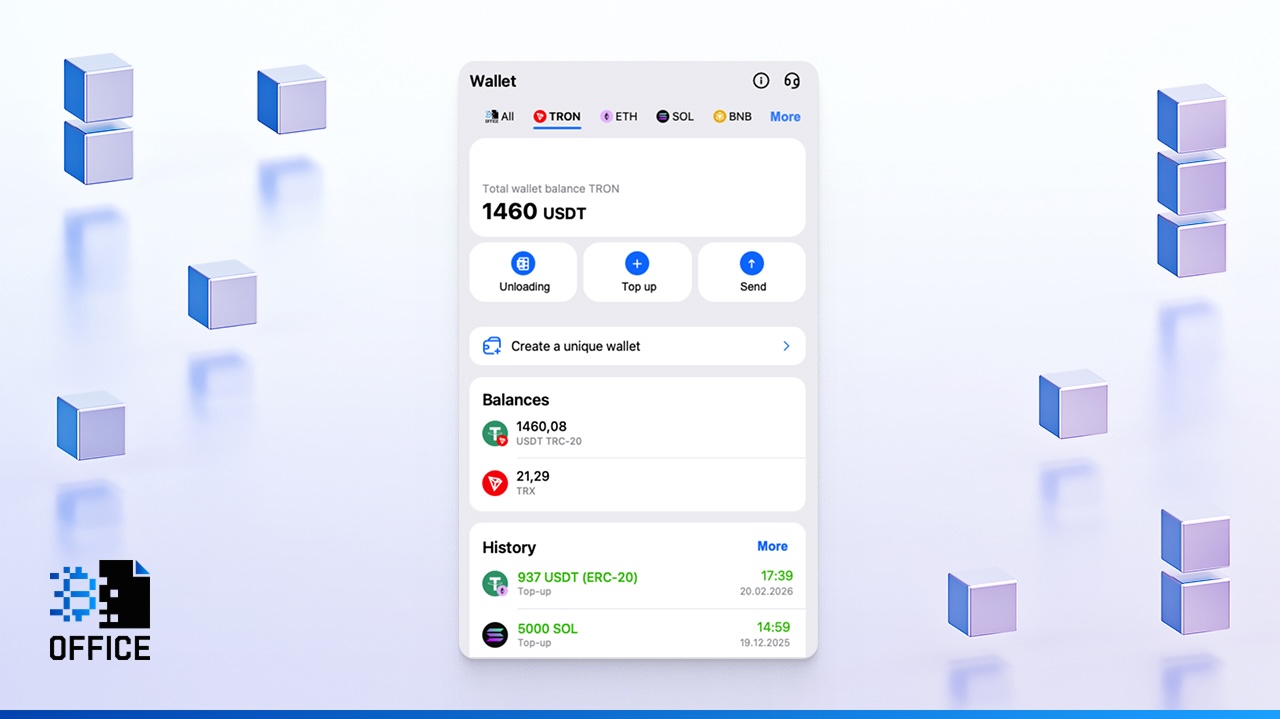
What network is USDT TRC20? It’s TRON blockchain. USDT TRC-20 addresses start with the letter “T”. TRON is designed for fast and low-cost transfers. Transaction fees are minimal, especially when users leverage internal network resources like Energy and Bandwidth to reduce costs further.
Because of its low fees, TRC-20 is often considered the cheapest network for USDT and one of the best network for USDT transfer options for frequent transactions. It is widely used for P2P payments and exchange withdrawals.
ERC-20 (Ethereum)
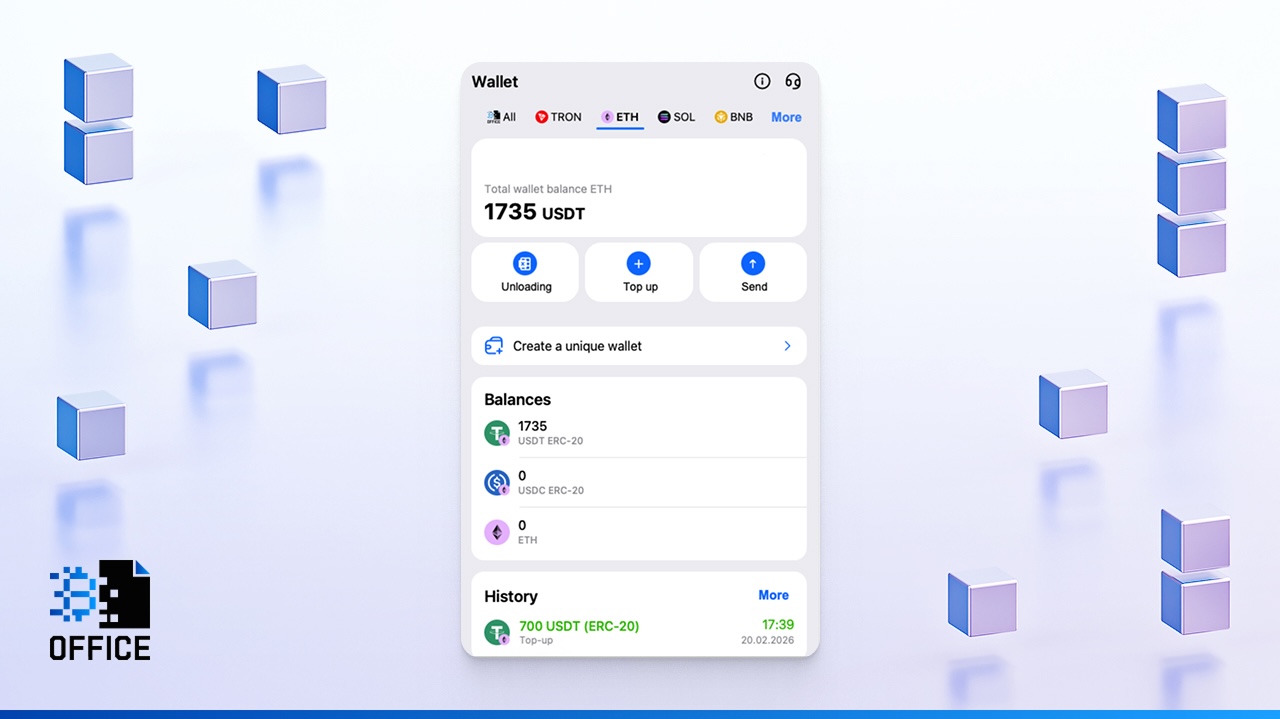
ERC-20 is the token format built on the Ethereum ecosystem. ERC-20 USDT addresses begin with “0x” and operate according to Ethereum Virtual Machine (EVM) rules. When users search which network USDT supports, the largest DeFi ecosystem, Ethereum is the answer. It remains the leader in decentralized finance, hosting most protocols and smart contracts.
Every USDT transaction on Ethereum requires gas fees. During periods of high congestion, sending ERC-20 USDT can be significantly more expensive than alternatives. This is why some users researching cheapest network for USDT transfer typically avoid ERC-20 for simple payments.
However, if your goal is interacting with DeFi protocols, staking, or smart contracts, Ethereum remains the best network for USDT in terms of ecosystem integration.
BEP-20 (BNB Smart Chain)
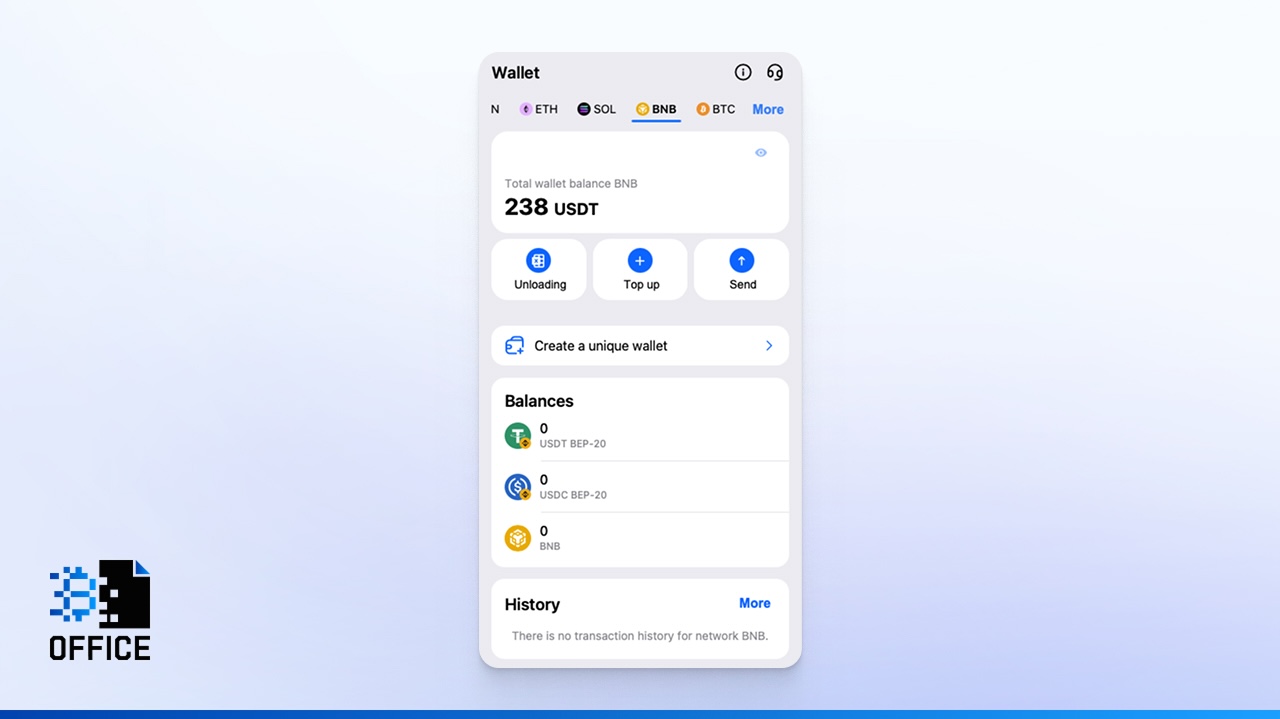
BEP-20 is the token standard on BNB Smart Chain (BSC). Like Ethereum, BSC addresses begin with “0x”. BSC is fully EVM-compatible, meaning it supports Ethereum-based smart contracts while offering significantly lower fees. Transaction speed is high, and costs are typically much lower than ERC-20.
When comparing which network to choose for USDT, BSC frequently appears as a middle-ground solution between TRON’s low fees and Ethereum’s deep integration.
SPL (Solana)
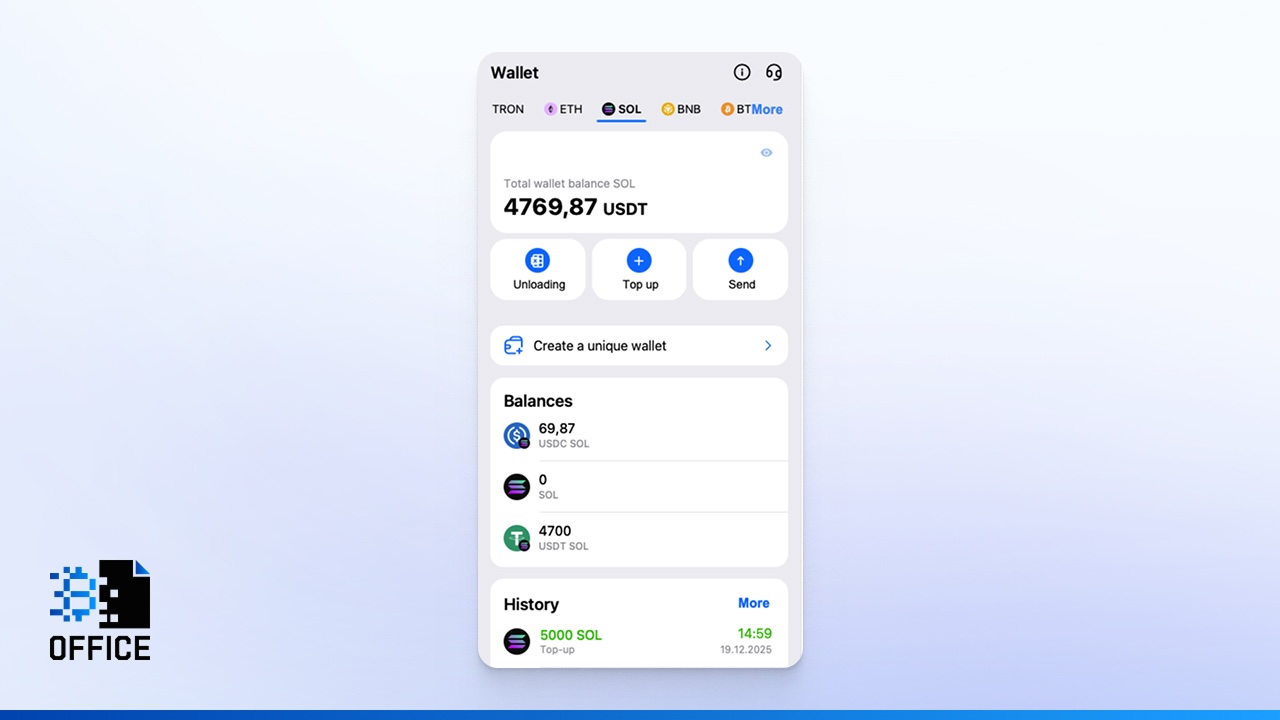
SPL (Solana Program Library) is the universal token standard on the Solana blockchain. Address formats differ from EVM networks and appear as long base58 strings (for example, starting with IQmU…, H7t1…, or 81Ki…).
Solana is known for its extremely high throughput and minimal fees — often fractions of a cent. Transactions confirm quickly, making SPL attractive for fast transfers within the Solana ecosystem.
Which network for USDT is suitable? For ultra-fast and inexpensive transactions inside Solana-based applications, SPL is the answer. However, it requires compatible wallets and infrastructure.
Important reminder: if you send USDT through the wrong blockchain, funds may be permanently lost.
USDT Networks in Crypto Office
Choosing the correct network when working with USDT directly affects:
- Transaction fees;
- Processing speed;
- Compatibility with exchanges and wallets.
Before sending funds, you need to understand what network does USDT use when making a deposit. The key is to verify which blockchain your receiving address supports.
Crypto Office supports cross-chain USDT operations in the most popular ecosystems:
- TRC-20 on TRON;
- ERC-20 on Ethereum;
- BEP-20 on BNB Smart Chain;
- SPL (Solana Program Library) on Solana.
Each standard defines the token format, address structure, and blockchain transaction rules.
Comparison Table: TRC-20, ERC-20, BEP-20, SPL
| Parameter | TRC-20 (TRON) | ERC-20 (Ethereum) | BEP-20 (BSC) | SPL (Solana) |
|---|---|---|---|---|
| Blockchain | TRON | Ethereum | BNB Smart Chain | Solana |
| Address Format | T... | 0x... | 0x... | base58 |
| Average Fee | 6–13 TRX | $2–$30 | $0.05–$0.10 | 0.000005 SOL |
| Confirmation Speed | High | Medium | High | Very High |
| Best For | Transfers, payments, P2P | DeFi | Universal EVM usage | Solana ecosystem transfers |
Fee Comparison — TRC-20 vs ERC-20 in 2026
Different networks calculate fees differently. TRON uses a resource model (Energy and Bandwidth), while Ethereum uses a dynamic gas fee model.
For regular transfers, TRC-20 remains one of the best network for USDT transfer solutions due to lower predictable costs. ERC-20 provides stronger DeFi integration but typically at higher expense.
Understanding what network for USDT fits your use case helps reduce risk and optimize costs. In crypto, technical details matter.
Typical USDT Transfer Scenarios
USDT is a token that operates across multiple blockchain networks simultaneously. Economically, all versions are equivalent to the US dollar, but technically they follow different standards. Each has its own address format, fee structure, and transaction logic.
As a result, the way this stablecoin is used may vary depending on the network.
Below are the most common use cases.
Single Transfers Between Wallets
A simple wallet-to-wallet transfer is the most frequent scenario. You select the token, choose the blockchain, copy the recipient’s address, verify the network, and confirm the transaction.
Before sending funds, you should double-check, what network is USDT on by the recipient. This step is critical because sending USDT via the wrong blockchain may result in permanent loss of funds.
When deciding which network to send USDT, always confirm that the recipient platform supports the same token standard.
Transfers with Automatic Conversion
Sometimes you need to send USDT on one network and receive the same amount on a different blockchain. For example, from TRC-20 (TRON) to ERC-20 (Ethereum), or from ERC-20 to Solana (SPL). Unlike traditional blockchain bridges, the USDT transfer wallet in Crypto Office simplifies this process.
To transfer stablecoins with automatic exchange in Crypto Office, you need to:
- Open the official service bot.
- Select USDT in your wallet.
- Click “Send” and choose “Send with exchange.”
- Choose the outgoing and incoming networks.
- Enter the recipient’s USDT address.
- Enter the amount and confirm the transaction.
The system automatically performs AML verification, making cross-chain USDT exchanges secure.
This solution helps users who are unsure which network to choose for USDT when sender and receiver operate on different blockchains.
Sending USDT in Crypto Office
Sending USDT in Crypto Office is straightforward:
- Launch the Crypto Office Telegram bot.
Select USDT with the required network.
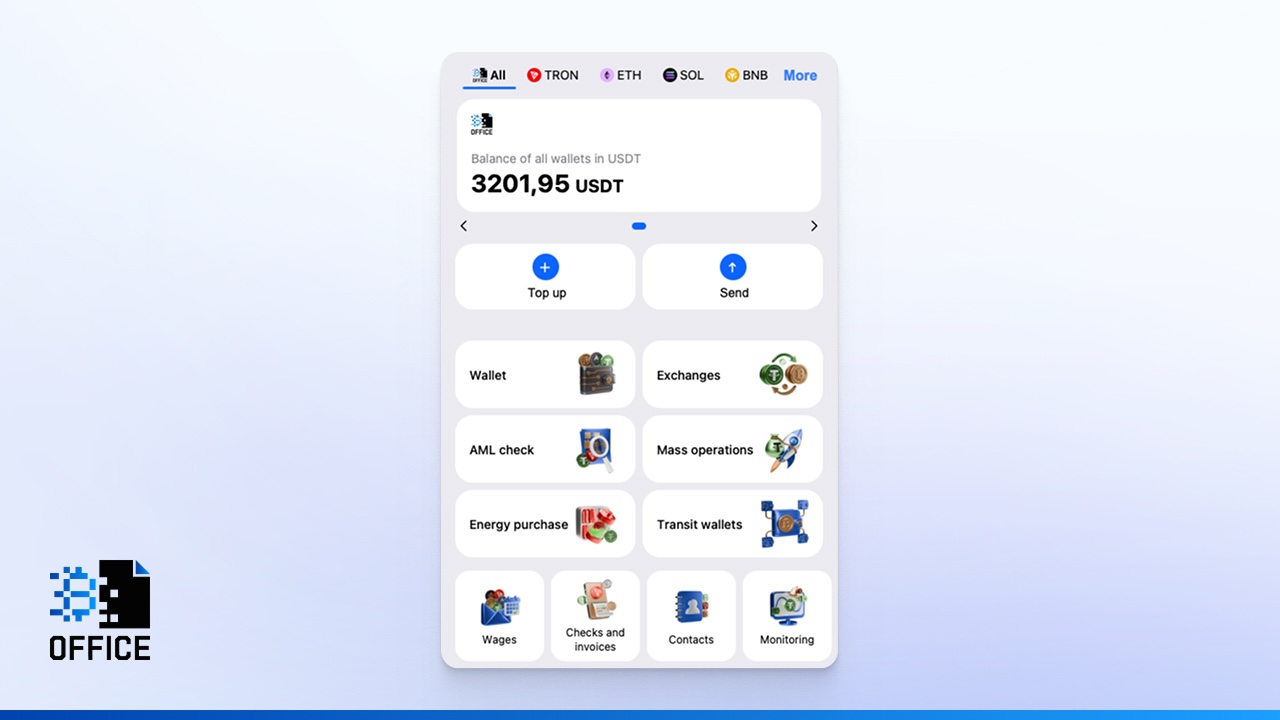
Enter the recipient’s wallet address and network.
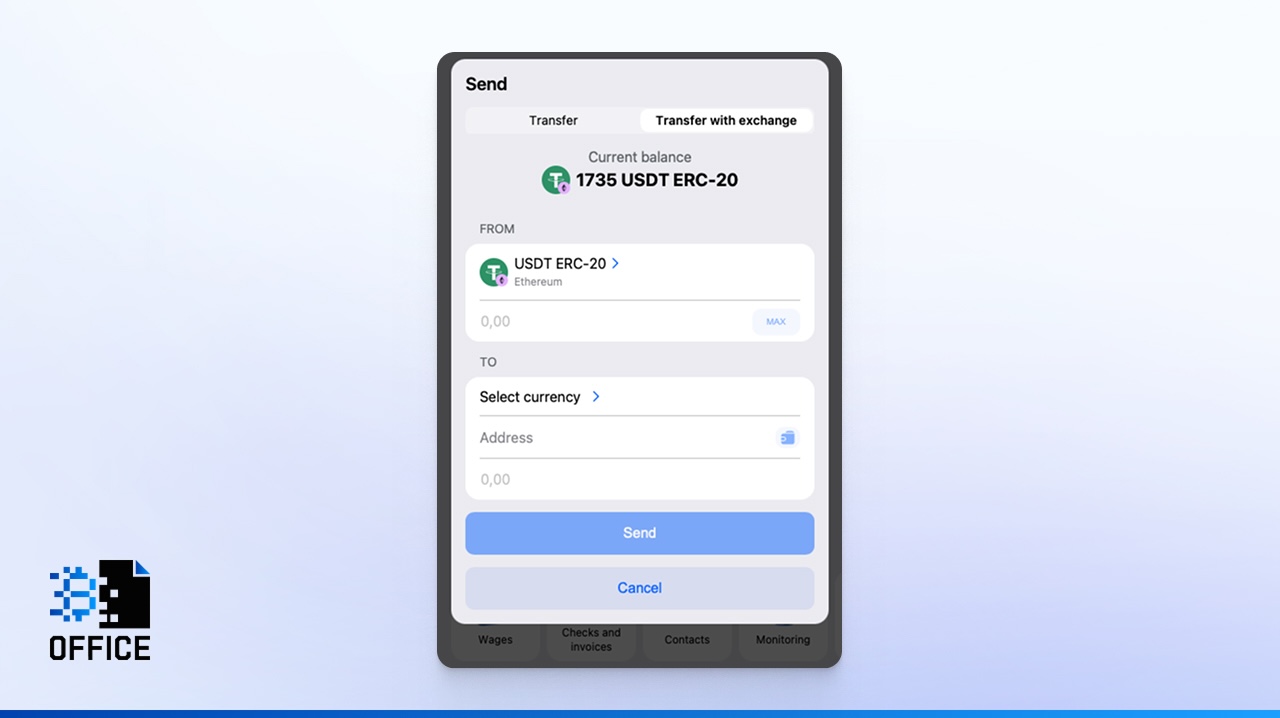
- Enter the transfer amount.
- Confirm the transaction.
Before confirmation, the service displays the fee. This transparency helps users compare options and decide which USDT network is best for their situation.
If your priority is cost efficiency, you may compare the cheapest network for USDT before confirming.
Cross-Chain USDT Exchange
Cross-chain swaps allow you to convert USDT from one network and receive an equivalent amount of tokens on another blockchain. Crypto Office users can exchange stablecoins quickly and with minimal risk in just a few clicks.
This is especially useful for users who ask:
- what network does USDT use in DeFi applications
- which network to use for USDT when switching ecosystems
- what network to use for USDT transfer to optimize fees
Bulk USDT Transfers
The bulk transfer feature is relevant for companies, freelancers, and services that send cryptocurrency to multiple recipients.
Crypto Office offers a mass USDT payout function that allows you to send funds to hundreds of addresses at once. It helps to decide which network to choose for USDT to minimize operational costs. At the same time, you can select different networks for different recipients.
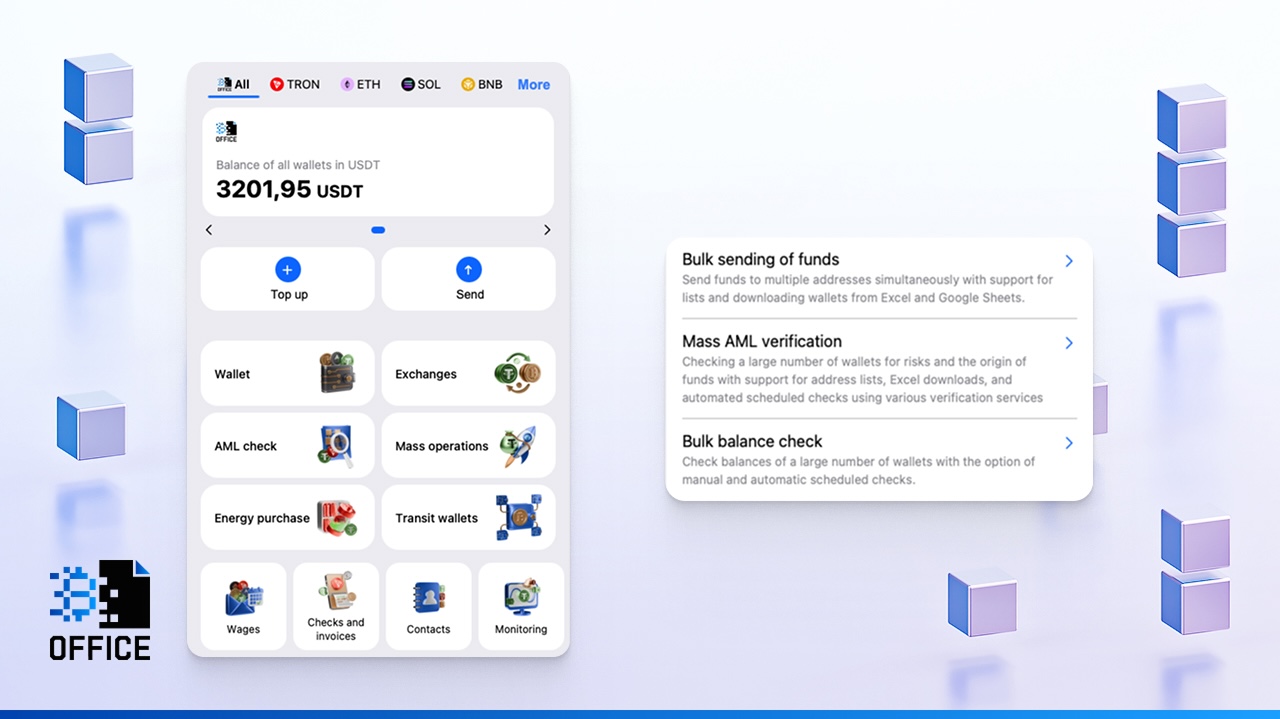
In addition, the application allows you to upload a ready-made list of addresses and amounts using Excel or Google Sheets.
When using the exchange feature in Crypto Office, exchange-issued tokens are credited to the recipient’s USDT address. As a result, the service helps reduce the risk of account restrictions or fund freezes.
USDT Transfer Security
Blockchain transactions are irreversible. Any mistake can lead to permanent loss of funds.
That is why verifying what network is USDT, confirming the recipient’s supported blockchain, and double-checking address format are essential steps before every transfer.
Let’s review the most common mistakes.
Common Mistakes and How to Avoid Them
The most common mistake is choosing the wrong network. For example, sending USDT on TRC-20 to a USDT ERC-20 address. Before transferring funds, double- or triple-check the address, format, and network type. Some wallets, services, or blockchains may not support or accept payments from certain networks.
Another common mistake is setting the fee too low. On blockchains like Ethereum, a transaction can get “stuck” due to frequent network congestion. Therefore, before transferring USDT, check the fee amount. If necessary, increase the fee to ensure the transaction is processed correctly or given priority.
To avoid unnecessary issues, use Crypto Office to reduce costs when transferring USDT.
The third mistake is skipping a test transfer. Even $1-5 USDT can help ensure that tokens reach the correct destination. Discipline and double-checking every step is key to security.
Conclusion
Рicking the right network for sending USDT stablecoins matters because it affects fees, how fast the transaction goes, and if it works with the system. Even though the same Tether token exists on many blockchains, each one has its own way of doing things. If you want the lowest costs and quick transfers, go with TRC-20. But if you need to work with DeFi, NFTs, or smart contracts, ERC-20 or other EVM-friendly networks are better.
The Crypto Office mini-app on Telegram tries to give you a mix of reliability, speed, and good prices when dealing with USDT.
Michael Turner knows his stuff when it comes to crypto and blockchain. He puts out content that's not only well-researched but also easy to understand, helping people get a handle on managing their digital assets.